
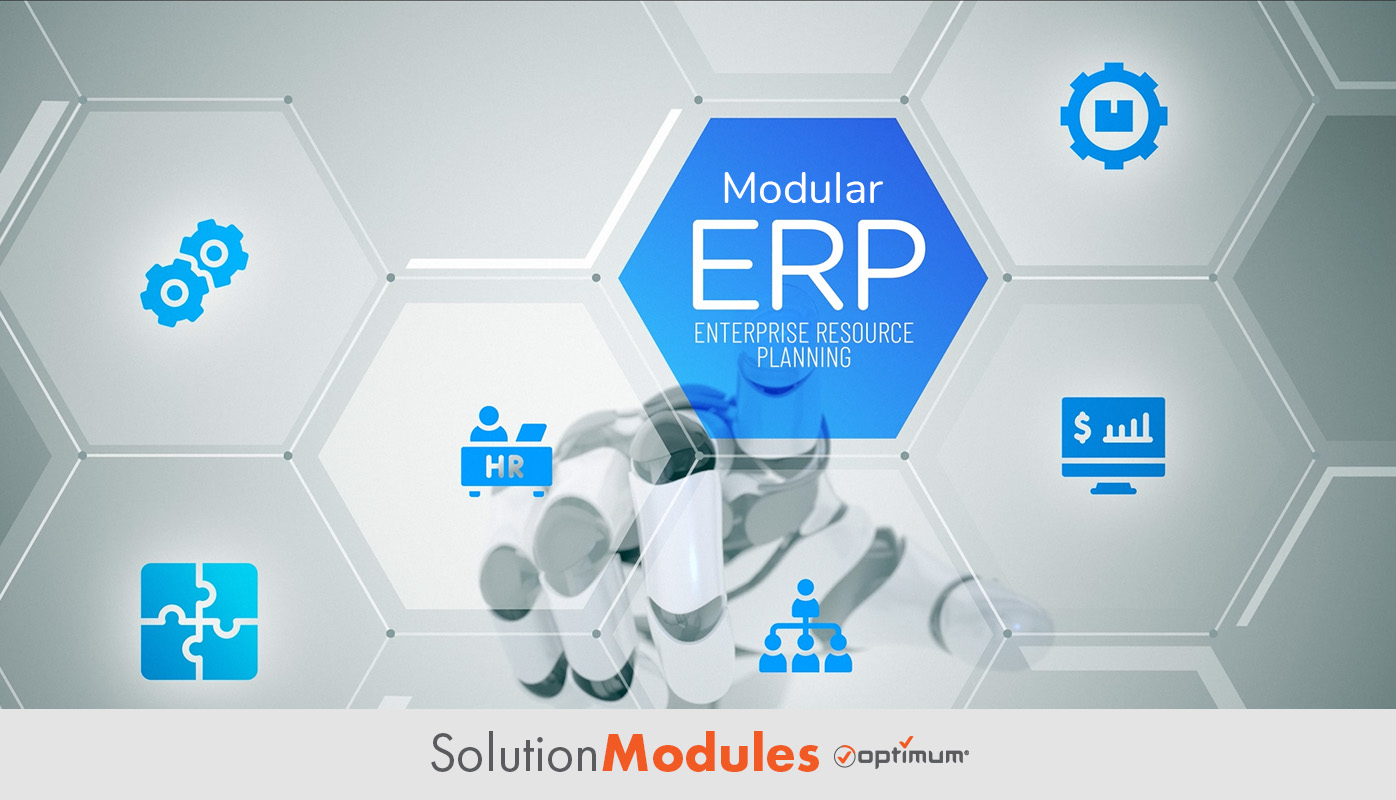
If you’re running a small or midsize business, chances are you’ve outgrown spreadsheets but you’re not ready for a massive, all-in-one ERP rollout that takes a year to implement and costs more than your annual software budget. Modular ERP exists for exactly this gap. Solution Modules enable companies to build tailored systems that integrate with the processes they already have. In this guide, we’ll cover what modular ERP is, its advantages and challenges, the key modules to consider, how it compares to traditional ERP.
Key Takeaways
- This approach allows businesses to select only the modules they need for cost savings.
- It offers scalability as businesses grow and their needs change.
- Implementation is faster and less disruptive than traditional ERP rollouts.
- Modules can be integrated with third-party applications to extend functionality.
- For SMBs specifically, this approach means enterprise-level capability without enterprise-level cost or complexity.

What Is a Modular ERP System?
A modular ERP system is an enterprise resource planning solution made up of standalone modules that each handle a specific business process. Unlike a traditional monolithic ERP system, where everything is bundled into one rigid suite, this approach allows businesses to select and integrate only the pieces they actually need. That makes it highly customizable and scalable, which matters most for SMBs who don’t have the budget or the IT staff to manage a sprawling enterprise platform.
Modules can range from financial management and human resources to inventory management and customer relationship management. These pieces are designed to work together seamlessly or can be implemented separately depending on what the business actually requires at that stage of growth. A company with five employees might start with just finance and CRM. A company with fifty might add inventory and HR as those functions become bottlenecks. With this system, the platform grows with the business instead of forcing the business to grow into the platform.
It’s worth pausing on why this matters so much specifically for SMBs. Most enterprise software was designed with large companies in mind, companies that have dedicated IT departments, multi-year budgets, and the staff to manage a complex rollout. When that same software gets marketed down to smaller businesses, the result is often a system that’s both overbuilt and underused. You’re paying for capacity you’ll never touch and complexity you don’t have the staff to manage. Modular ERP breaks that mismatch by letting the system size itself to the business rather than the other way around. It’s a different approach than fully custom ERP software, which is built from the ground up around your specific workflows, but the two share the same underlying goal: a system shaped around the business instead of the other way around.
Key Advantages
This approach offers several advantages that make it a strong choice for SMBs looking for a flexible, scalable solution that doesn’t require a massive upfront commitment.
Cost Savings
Since businesses can purchase only the components they need, this approach is significantly more cost-effective than traditional ERP, which requires buying a complete suite of features whether you use them or not. For an SMB, that difference can mean the gap between affording an ERP system at all and not. You’re not subsidizing modules sitting unused while your team works around the gaps in what you actually need. This pay-as-you-go structure also makes budgeting more predictable. You know exactly what you’re paying for and why, rather than absorbing a large licensing fee that bundles together features your team will never open.
Flexibility
This approach is adaptable and can be customized to fit unique business processes and requirements, ensuring the system works for the specific needs of the business rather than forcing the business to adapt to the software. SMBs often have workflows that don’t map cleanly onto generic enterprise templates, whether that’s an unusual approval chain, a hybrid sales and service model, or processes that evolved organically rather than being designed top down. A modular system bends to fit those workflows instead of requiring the business to restructure around the software’s assumptions.
Scalability
As businesses grow, they can add modules to the system without ripping out what’s already working. This matters enormously for SMBs in growth mode. You’re not locked into a five-year plan based on guesses about where the business will be. You add HR when you hit the headcount that needs it. You add manufacturing when production becomes complex enough to need it. The system scales at the pace the business actually grows, not the pace a vendor projected two years ago. And because each addition is modular, expanding the system doesn’t mean disrupting the modules that are already working well.
Challenges to Consider
While modular ERP has clear benefits, there are real challenges worth understanding before you commit, especially for SMBs without dedicated IT departments.
Integration Complexity
As businesses integrate multiple standalone modules, compatibility issues can arise, potentially requiring additional technical resources to ensure smooth functionality between systems. This is one of the most cited challenges in ERP adoption broadly. Gartner defines enterprise resource planning as the ability to deliver an integrated suite of business applications, and the integration piece is where a lot of implementations run into friction, modular or otherwise. For SMBs, this usually means either choosing a vendor whose modules are built to work together natively, or budgeting for the technical work to connect pieces that weren’t designed with each other in mind. The good news is that this is largely a vendor selection problem rather than an inherent flaw in the modular approach itself. A platform built this way from the ground up tends to avoid the integration headaches that come from bolting together acquisitions and third-party add-ons after the fact.
Vendor Lock-in
Businesses may become reliant on specific vendors due to proprietary integration requirements, which can restrict flexibility down the road. If every module you add only works within one vendor’s ecosystem, the modular benefit starts to look a lot like the rigidity of a traditional system, just with extra steps. This is worth asking about directly before you commit. Can these modules integrate with tools outside this vendor’s catalog, or are you locked into their roadmap permanently? The answer to that question tells you a lot about how much flexibility you’re actually buying.
Choosing the Right Modules
For SMBs without a dedicated IT team, figuring out which modules actually solve current problems versus which ones sound useful but won’t get used is a real challenge. It’s easy to overbuy on modules during the excitement of a new system and end up paying for capability nobody on the team touches. The fix here is mostly discipline. Resist the urge to add every available module on day one, and instead build a short list tied directly to specific operational pain points you can name.
Specialized Implementation Knowledge
Even a modular rollout benefits from someone who understands how the pieces fit together. SMBs without that expertise in-house often need to lean on the vendor’s implementation support, which is worth factoring into both the timeline and the cost of getting started.
Employee Resistance to Change
Any new system, modular or not, means employees have to change how they work. For small teams where everyone wears multiple hats, even a smaller-scale rollout can disrupt daily routines if it’s not introduced with proper training and a clear explanation of what’s improving for them. The teams that adapt fastest are usually the ones where leadership frames the change around specific pain points employees already feel, rather than presenting it as change for its own sake.
Key Modules to Consider
Some of the most common modules found in a modular ERP system include Finance and Accounting, which manages financial transactions, reporting, and budgeting. Human Resources, which handles employee records, payroll, and compliance. Customer Relationship Management, which tracks customer interactions and sales. Inventory Management, which optimizes stock levels and supply chain visibility. And Manufacturing, which oversees production planning and quality control.
For most SMBs, the starting point is finance and CRM, the two functions that touch revenue most directly and tend to have the most painful manual workarounds in spreadsheets. Inventory and manufacturing modules tend to come into play as the business scales operationally and outgrows manual tracking. HR often gets added once headcount reaches a point where payroll, compliance, and records management become too time consuming to manage by hand.
Modular ERP vs Traditional ERP
Here’s a quick comparison between modular ERP and traditional ERP:
| Feature | Modular ERP | Traditional ERP |
|---|---|---|
| Flexibility | High | Limited |
| Implementation Time | Faster | Longer |
| Cost | Pay-as-you-go | High upfront cost |
| Scalability | Easy to scale | Difficult to modify |
The difference isn’t just technical. It’s about how much risk you’re taking on upfront. Traditional ERP asks you to commit to a full system before you know exactly how your business will use it. Modular ERP lets you start small, prove out value on the modules you’re confident about, and expand from there based on what’s actually working. That lower-risk entry point is often the deciding factor for SMBs weighing whether ERP is even worth pursuing yet.
How to Implement This Approach
Implementing Solution Modules involves several key steps. First, assess business needs by identifying which modules are necessary for your current operations, not where you think you’ll be in five years, but what’s actually creating friction right now. If you’re earlier in this process, our post on why early ERP investment matters for startups covers how to think about timing before you commit to any system. Second, choose a scalable vendor by selecting a provider that allows easy integration and expansion, and ask directly about how modules connect to tools outside their ecosystem. Third, start with core modules by beginning with essential pieces like finance and CRM, then expand as needs become clear. Fourth, train employees by providing training that explains not just how to use the new system, but why it’s better than what they were doing before. Fifth, monitor and expand by continuously evaluating performance and adding modules as the business grows into new needs.
For SMBs, the biggest implementation risk isn’t technical. It’s trying to do too much in phase one. Starting small and expanding deliberately is what makes this approach work the way it’s supposed to. A rollout that tries to implement five modules simultaneously recreates the complexity and disruption of a traditional ERP project, which defeats the purpose of choosing this path in the first place.
Is This the Right Fit for Your SMB?
If you’re a small business, modular ERP is often the most practical path into ERP at all. You can start with just a few essential modules and add more as you grow, ensuring you only pay for what you need at each stage of development. The alternative, committing to a full traditional ERP system before you’ve validated what your business actually needs, is a much bigger bet, and one that’s harder to walk back if it doesn’t fit. For businesses with workflows specific enough that even a modular approach needs to bend further, custom ERP is worth exploring as the next step up.
The businesses that get the most value from this approach tend to share a few traits. They have specific operational pain points they can point to, rather than a vague sense that they need an ERP. They’re growing fast enough that scalability genuinely matters in the near term. And they’re realistic about starting smaller than they might want to, with a plan to expand once the core modules prove their value.
FAQ
1. What is a modular ERP system?
A modular ERP system is a type of enterprise resource planning software made up of different modules, each focusing on a specific business function such as finance, sales, inventory, or HR. Businesses can select and implement only the modules they need, allowing for flexibility and scalability without committing to a full enterprise suite.
2. What are the benefits of using a modular ERP system?
The main benefits of modular ERP include flexibility, scalability, cost-effectiveness, and customization. Businesses can add or remove modules as their needs evolve, making it easier to adapt to change and scale operations without overpaying for unnecessary features. For SMBs, this often means the difference between affordable ERP and no ERP at all.
3. How does modular ERP differ from traditional ERP systems?
Traditional ERP usually offers a one-size-fits-all solution, where businesses purchase and implement an entire system even if they only need a few features. This approach allows businesses to choose specific pieces, making it easier to customize the system and pay only for what’s needed.
4. Can a modular ERP system integrate with existing software?
Yes. Modular ERP systems are designed to integrate with a wide range of existing applications, including CRM systems, supply chain management tools, and accounting software. Many solutions come with pre-built connectors to ensure compatibility, though it’s worth confirming integration scope with any vendor before committing.
5. What are the challenges of implementing a modular ERP system?
Challenges can include the complexity of choosing the right modules, integration between systems, and the need for specialized knowledge during implementation. Businesses may also face resistance to change from employees accustomed to existing workflows, particularly on smaller teams where everyone’s role shifts with a new system.
6. Is a modular ERP system suitable for small businesses?
Yes, arguably more so than traditional ERP. Small businesses can start with just a few essential modules and add more as they grow, ensuring they only pay for what they need at each stage. This approach is often the most realistic entry point into ERP for companies that would otherwise be priced out or overwhelmed by a full traditional rollout.
7. How can modular ERP help with business scalability?
Modular ERP allows businesses to add new functionality as they grow. Whether expanding into new markets, launching new products, or increasing operations, businesses can scale their system by adding relevant modules without overhauling what’s already working.
Modular ERP gives SMBs a flexible, cost-effective, and scalable path into enterprise resource planning that traditional systems were never built to offer. With careful planning, a realistic starting point, and a strategic approach to expansion, businesses can build a system that grows alongside them instead of constraining them.
If you’re ready to take the next step in transforming your business with a modular ERP system, Optimum Solution Modules can help. Learn more about our flexible, no-code solution that grows with your business and contact us today.
Watch Your First AI Workflow Come to Life
In this 15 minute 1-on-1 session, we will map out your most frustrating manual process and build a functional AI automation prototype right in front of you.