
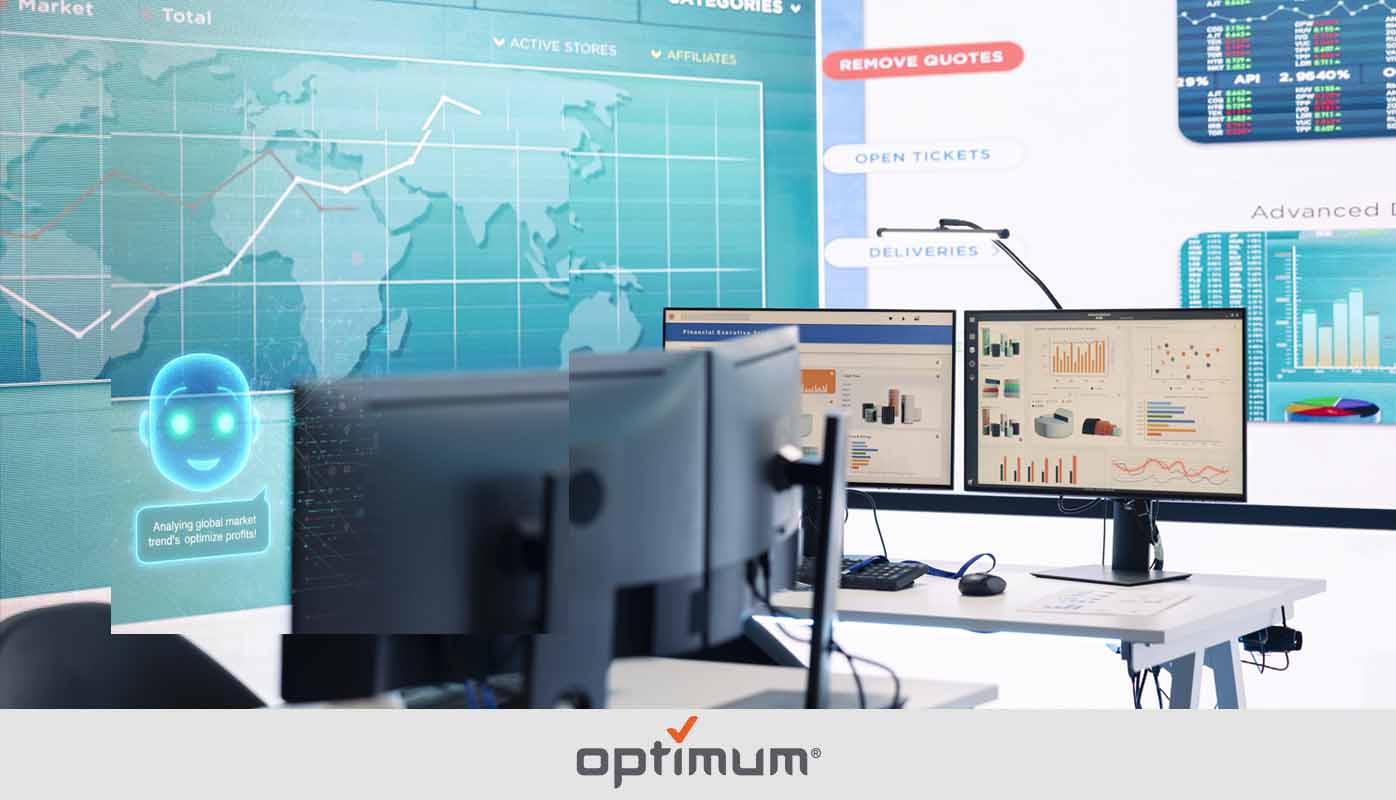
AI-Powered Dashboards for ERP are no longer a luxury reserved for enterprise giants with seven-figure IT budgets. They are now the operational baseline for any company that wants to stop guessing and start governing. If your ERP is still generating static spreadsheets and PDF reports that are outdated the moment they print, you are flying blind — and the competition is not. In this post, we break down exactly how AI-Powered Dashboards for ERP work, what they replace, and why organizations that adopt them are pulling ahead on every measurable KPI.
What Are AI-Powered Dashboards for ERP?
AI-Powered Dashboards for ERP are intelligent visualization layers that sit on top of your enterprise resource planning system and transform raw operational data into live, actionable insight. Unlike traditional ERP reports that require a scheduled export or a BI analyst to interpret, AI-Powered Dashboards process data continuously and surface what matters — automatically.
They go beyond charts and graphs. These systems use machine learning to detect anomalies, flag deviations from targets, and even predict where your numbers are heading before the period closes. The result is a command center that thinks alongside your team instead of just displaying what already happened.
- Pull live data from finance, procurement, inventory, HR, and operations simultaneously
- Apply predictive models to forecast KPI outcomes before they miss target
- Surface anomalies and outliers without manual investigation
- Deliver role-specific views so executives, managers, and analysts each see what they need
- Eliminate the lag between data entry and decision-making
How AI-Powered Dashboards for ERP Actually Work
1. Unified Data Integration
Most ERP environments are messier than the vendor brochure suggests. Finance sits in one module, supply chain in another, and workforce data somewhere else entirely. AI-Powered Dashboards for ERP use intelligent data connectors and API layers to unify these siloed sources into a single, coherent model. The AI continuously reconciles discrepancies, handles schema differences, and ensures the numbers you see reflect reality across the entire system.
2. Real-Time Processing and Contextual Analysis
Static reporting pulls a snapshot. AI-Powered Dashboards run on a live feed. As transactions post, inventory moves, or headcount changes, the dashboard updates immediately. More importantly, the AI layer adds context — comparing current performance against historical baselines, industry benchmarks, and user-defined thresholds to tell you not just what the number is but whether you should care.
3. Predictive Modeling and Alerts
This is where AI-Powered Dashboards for ERP separate themselves from traditional BI tools. Machine learning models trained on your historical data can project cash flow, flag procurement risks, anticipate inventory shortfalls, and estimate period-end close positions — all before the period ends. Alerts fire automatically when the system detects a trajectory that leads somewhere bad, giving teams time to intervene rather than explain.
Core Capabilities of AI-Powered Dashboards for ERP
Natural Language Querying
Instead of navigating report menus or submitting a ticket to IT, users type a plain-language question — “What is our gross margin by product line this quarter compared to last year?” — and the dashboard answers instantly. This democratizes access to ERP data across departments that previously had no way to interrogate it without technical help.
Automated KPI Monitoring
Finance teams no longer need to manually check whether DSO is creeping up or whether budget variance has crossed an approval threshold. AI-Powered ERP Dashboards watch every configured KPI around the clock and escalate exceptions to the right person automatically.
Scenario Simulation
Decision-makers can model the downstream impact of operational choices before committing. What happens to working capital if payment terms extend by 15 days? What does a 10% demand increase do to warehouse utilization? AI-Powered Dashboards for ERP run these simulations against live data, making scenario planning a daily operational tool rather than a quarterly exercise.
Cross-Module Visibility
One of the most persistent frustrations in ERP environments is the inability to connect data across modules without custom development. AI-Powered Dashboards dissolve that barrier by building cross-functional views — linking procurement spend to budget actuals, inventory turnover to sales velocity, and headcount to project delivery performance — in a single pane of glass.
AI-Powered Dashboards for ERP vs Traditional Reporting
| Feature | Traditional ERP Reporting | AI-Powered Dashboards for ERP |
|---|---|---|
| Data Freshness | Scheduled / manual | Real-time, continuous |
| Insight Type | Descriptive (what happened) | Predictive and prescriptive |
| Anomaly Detection | Manual review required | Automated, instant alerts |
| Cross-Module Analysis | Requires custom development | Built-in by design |
| User Access | BI team or IT dependency | Self-service for all roles |
| Scenario Planning | Offline spreadsheets | Live simulation within the platform |
Use Cases Across ERP Functions
Finance and Accounting
CFOs using AI-Powered Dashboards for ERP gain real-time visibility into cash flow, budget variance, and period-end projections. Month-end close cycles compress because the AI has already flagged reconciliation gaps and unposted transactions throughout the period rather than surfacing them at cutoff.
Supply Chain and Procurement
Procurement teams monitor supplier performance, PO cycle times, and spend compliance without pulling a single report. When lead times extend beyond acceptable thresholds or a supplier’s on-time delivery drops, the dashboard flags it and suggests alternative sourcing options based on historical data. According to Gartner’s supply chain research, organizations leveraging AI in procurement reduce maverick spend significantly and improve contract compliance.
Operations and Manufacturing
Production managers track output rates, downtime events, and quality metrics in real time. AI-Powered Dashboards for ERP connect shop floor data to ERP cost centers, making it possible to see exactly how a production delay translates to margin impact before the shift ends.
Human Resources and Workforce Planning
HR leaders use AI-Powered ERP Dashboards to monitor headcount against budget, track turnover trends by department, and identify teams at risk of capacity shortfalls before a project kicks off. The data connects directly to payroll and project modules so workforce cost is always visible in context.
Measurable Benefits Organizations See
The business case for AI-Powered Dashboards for ERP is grounded in operational outcomes, not technology novelty.
- Faster decision cycles driven by live data rather than weekly reporting cadences
- Reduced reporting overhead as automated dashboards replace manual data compilation
- Earlier identification of financial and operational risk before it becomes expensive to fix
- Improved forecast accuracy as predictive models learn from organizational patterns over time
- Higher ERP adoption across non-technical users who previously avoided the system
According to McKinsey’s State of AI research, companies that embed AI into core operational workflows report measurably better performance on cost, speed, and quality metrics compared to peers still relying on manual analysis.
What to Look for When Evaluating AI-Powered Dashboards for ERP
Not every solution marketed as intelligent is actually delivering AI-driven outcomes. When evaluating vendors, press past the demo and ask the hard questions.
Native ERP Connectors Matter
A dashboard that requires months of custom integration work before it can read your ERP data is a professional services engagement, not a product. Look for solutions with pre-built connectors to your specific ERP platform — whether that is SAP, Oracle, Microsoft Dynamics, NetSuite, or another system — that can be deployed and configured without a custom development project.
Model Transparency Builds Trust
If the AI makes a prediction or flags an anomaly, users need to understand why. Black-box recommendations erode confidence and get ignored. The best AI-Powered Dashboards for ERP include explainability features that show decision-makers the data signals driving each insight.
Governance Controls Protect the Organization
Role-based access, audit trails, and data lineage documentation are not optional in an ERP environment where financial data carries compliance implications. Ensure the platform treats governance as a core capability, not an afterthought.
Scalability Across the Portfolio
A department-level pilot that cannot grow into an enterprise-wide deployment creates a new data silo instead of eliminating old ones. Evaluate how the platform handles increased data volume, additional modules, and multi-entity or multi-currency environments before committing.
How to Get Started with AI-Powered Dashboards for ERP
Step 1: Audit Your Data Readiness
AI-Powered Dashboards are only as good as the data underneath them. Before deployment, assess data quality, completeness, and consistency across ERP modules. Identify gaps and establish data governance standards that will hold up as the system scales.
Step 2: Define the KPIs That Drive Decisions
The most effective AI-Powered Dashboards for ERP are built around the metrics that actually change behavior. Work with department heads to identify the 10 to 15 KPIs per function that, if visible in real time, would alter how teams operate. Avoid the trap of displaying everything — focus wins.
Step 3: Configure Role-Based Views
An executive needs a different view than a plant manager or an AP clerk. Design role-specific dashboards that surface the right level of detail for each user. AI-Powered ERP Dashboards support this natively, but the configuration logic needs human input to be meaningful.
Step 4: Activate Predictive Features Progressively
Start with descriptive dashboards to build user trust and establish baseline performance visibility. Introduce predictive models once teams are comfortable interpreting the data. This staged approach reduces resistance and improves long-term adoption.
Step 5: Measure the Impact and Iterate
Track how dashboard adoption correlates with decision speed, forecast accuracy, and operational outcomes. Use that feedback to refine the KPIs, add modules, and expand AI capabilities as organizational confidence grows.
Conclusion
AI-Powered Dashboards for ERP turn a system that most organizations treat as a record-keeping tool into an active driver of operational performance. The companies winning right now are not the ones with the biggest ERP implementation — they are the ones that have connected it to intelligence that tells them what to do next. If your team is still waiting on reports, chasing down numbers, or making calls based on last week’s data, it is time to change that. Contact us today and let’s build the dashboard infrastructure your ERP was always supposed to have.