
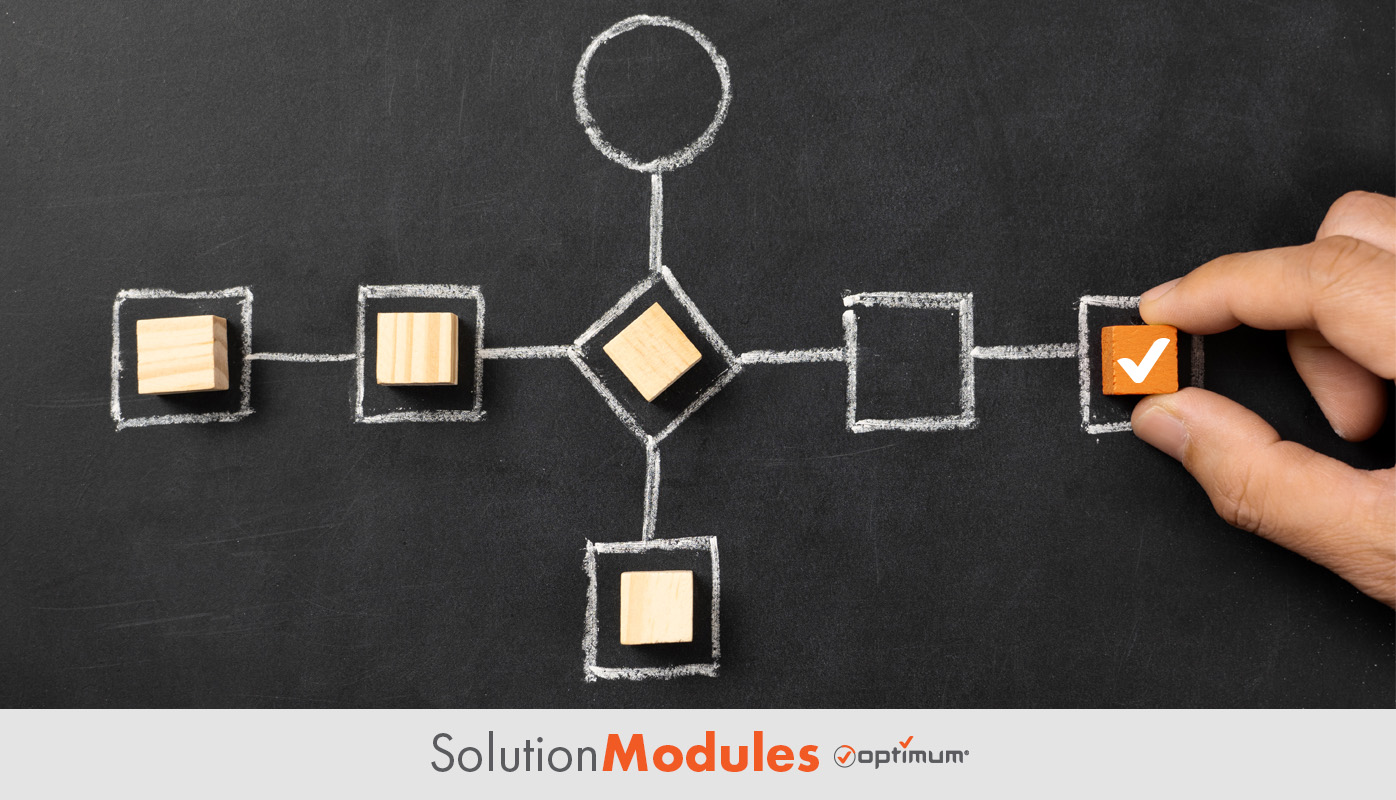
Having a smart ERP system is no longer a luxury—it’s a necessity. But what if your ERP could do more than just manage workflows? Custom ERP events unlock the full potential of your system, helping you automate processes, streamline operations, and respond to critical business events faster than ever.
Key Takeaways:
- Custom ERP events automate tasks, reducing manual work and errors.
- They improve interdepartmental efficiency by connecting workflows.
- Easily adaptable, they grow alongside your business needs.
- Integration with other tools ensures seamless communication.
What Are Custom ERP Events?
Custom ERP events are personalized triggers within your ERP system that automate tasks based on specific conditions or actions. Think of them as the brain behind your operations, responding in real-time to keep things running smoothly. Examples include low inventory alerts, automated purchase approvals, or customer notifications when orders ship.
Why Custom ERP Events Matter
Automate Tedious Tasks
Say goodbye to manual follow-ups and repetitive data entry. Custom events ensure that critical actions happen automatically, saving time and reducing errors.
Boost Efficiency Across Teams
By connecting departments through automated workflows, custom events ensure everyone is on the same page—no missed deadlines or forgotten steps.
Adapt to Business Needs
As your business grows, so do your demands. Custom events are scalable and easy to adjust, keeping your ERP relevant and effective.
Steps to Implement Custom ERP Events
Step 1: Pinpoint Your Critical Triggers
Start by identifying the moments that matter in your workflow. Examples include:
- When stock levels drop below a certain point.
- When an invoice is overdue.
- When a project milestone is completed.
Step 2: Configure the Events in Your ERP
Work with your ERP provider or in-house team to set up custom triggers. Modern systems often come with no-code or low-code tools to simplify the process.
Step 3: Connect to Other Tools
Use integration platforms to link your ERP with other business applications, like CRMs or communication tools. This ensures that every event sends the right information to the right place.
Step 4: Test and Monitor Performance
Run test scenarios to ensure the events fire correctly. Monitor their performance and make tweaks to improve timing, accuracy, and relevance.
Real-Life Example: Inventory Management
A small e-commerce business struggled to manage inventory across multiple warehouses. By setting up custom ERP events, they automatically received notifications when stock ran low, triggering purchase orders to replenish items. This saved hours of manual monitoring and ensured they never ran out of popular products.

FAQ
1. What is a custom ERP event?
2. Are custom ERP events hard to set up?
3. How do custom ERP events improve efficiency?
4. Can custom ERP events scale with my business?
5. Do I need an integration platform?
Conclusion
Custom ERP events are like having an assistant that never sleeps—handling tasks, connecting systems, and keeping your business moving. When you make your ERP work smarter, you free up your team to focus on growth and innovation.
At Optimum Custom ERP, we specialize in creating tailored ERP solutions that empower businesses to automate workflows, streamline operations, and scale effortlessly. Our no-code platform makes it easy to set up custom events, integrate tools, and adapt to your unique needs. Ready to make your ERP smarter? Let Optimum guide you to the next level of efficiency and success. Contact us and we’ll show you how we can help empower your business with our custom erp platform!